Tools and Prerequisites
Here are the tools I use to Code Sign and Notarize my application on Mac
1. Install BBEdit
BBEdit is a free tool to edit Omnis Resources on Mac
2. Download source for new SSL files
The source for files that have SSL support is here (Postgresql 15.x for Mac)
3. Mac Utilites
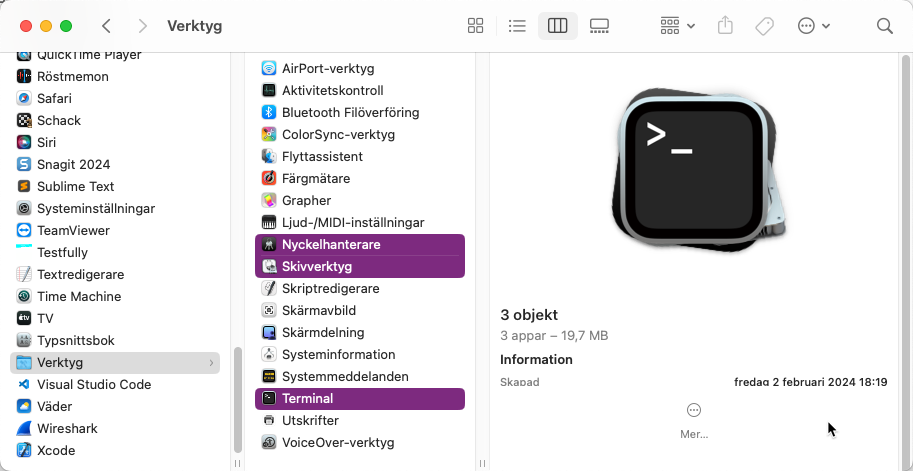
The Mac builtin tools are Disk Utility, Keychain Access and Terminal.
4. Download Packages
Packages is a free tool that I have used for years. Very simple.
Download Packages
5. Download CodeSign
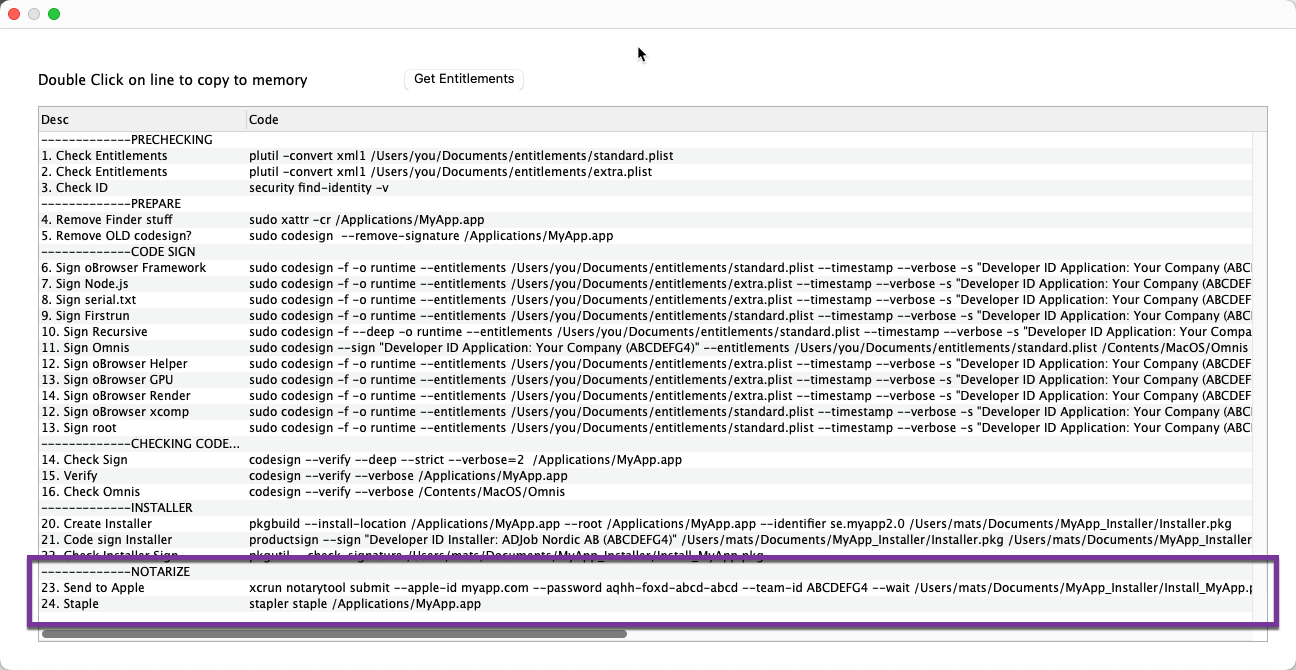
CodeSign is just a simple Omnis library to copy Apple commands into memory and you paste manually the code into the Terminal. 17 lines are code signing and the last 2 lines are notarization. The library is Omnis Studio 10.22 and have to be converted to 11 if needed. And this library is not notarized, so you may get a warning :-).
 Download CodeSign