Create an installer using pkgbuild
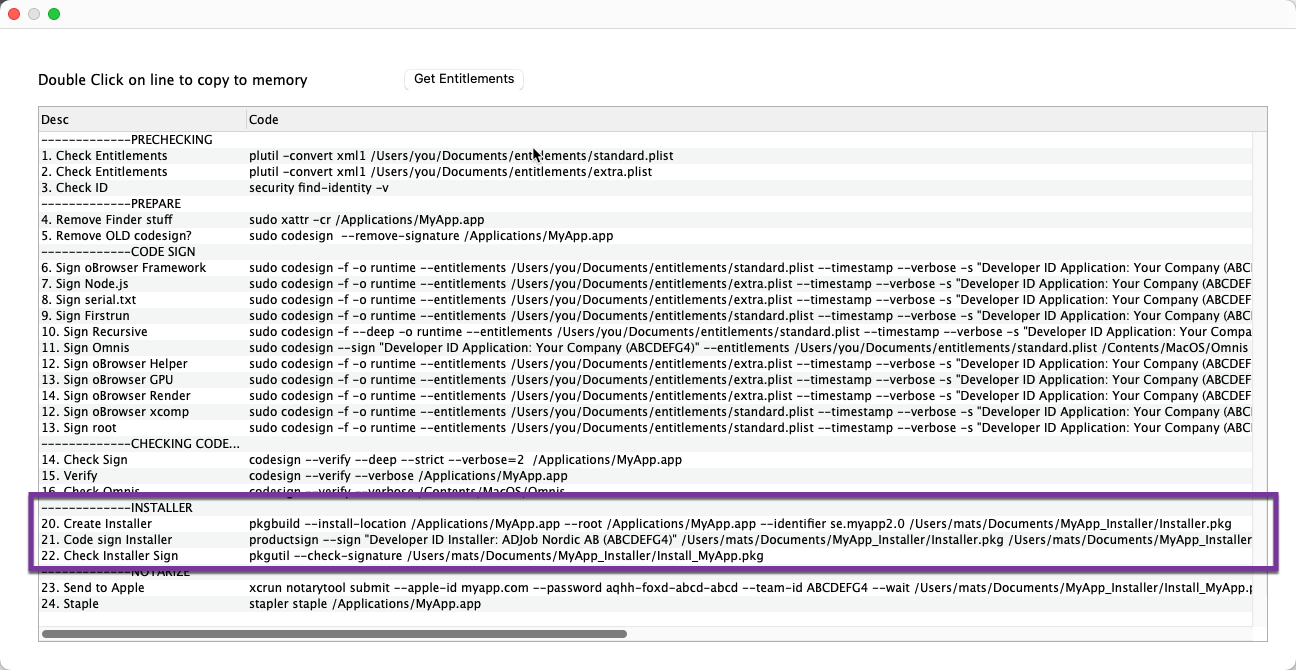
The tool pkgbuild is builtin Xcode, and to create an installer, you only have to run 1 single line of code.
1. Create folders on your desktop for the installers
Add this path to the list of paths.
2. Create Installer in Terminal
Double Click on point 20 and paste into the Terminal. Done
3. Code sign the Installer and check
Points 21 and 22 in CodeSign. Double Click and paste into Terminal and run.